

Page on the dashboard: dashboard.biolovers.site/dashboard/edit/profile/corner
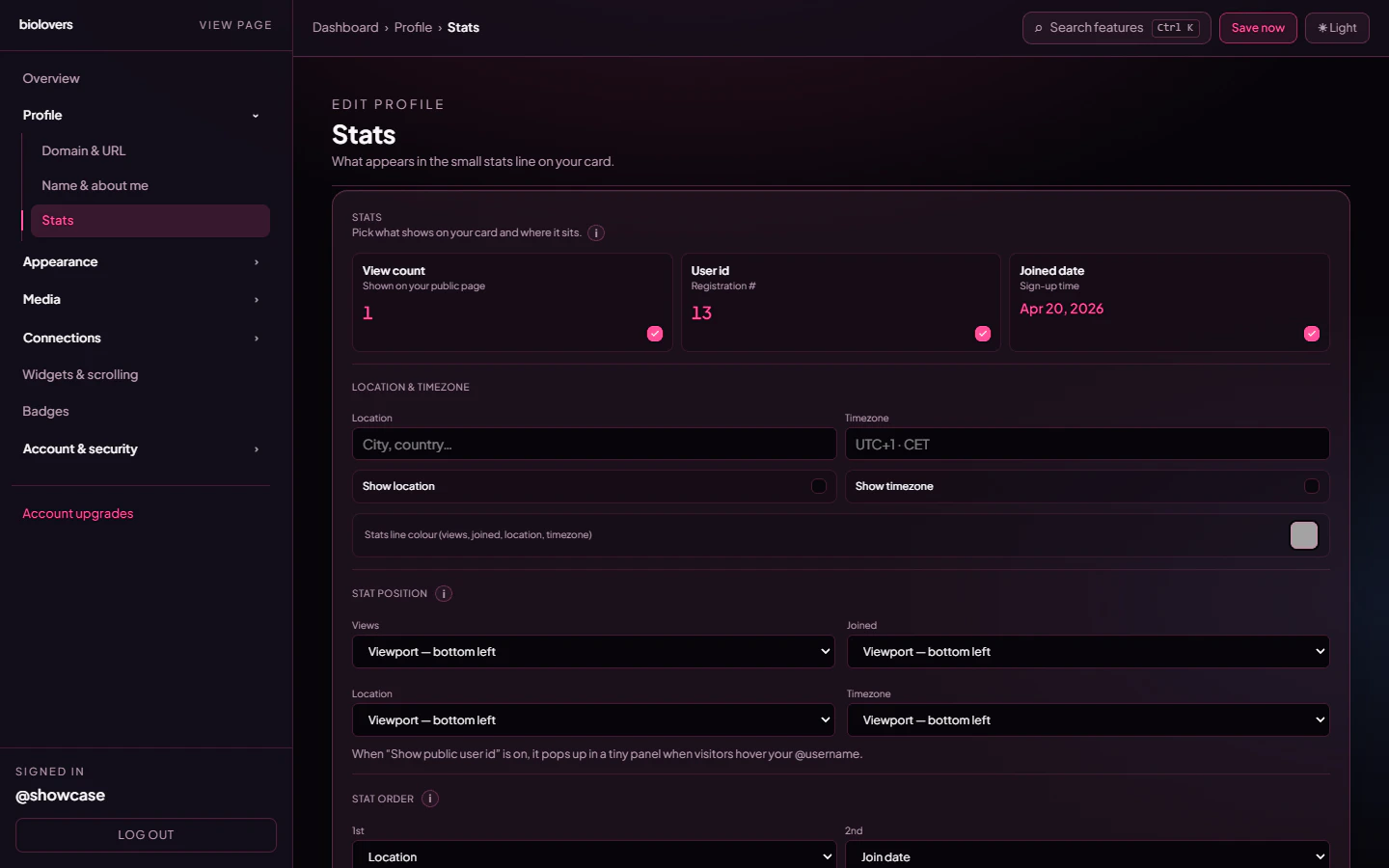
The Stats panel.
What stats are available
Each stat has a checkbox to show / hide it. The Profile views and User id checkboxes are locked on for free accounts (Premium can hide them).
Positions
Each stat goes into one of four position slots picked from a dropdown — seeMETA_SLOT_OPTS in the code. Unlike a drag list, this is a set of dropdowns: pick which slot each stat lives in, and the row is built in slot order.
If two stats share a slot, the later one wins (so make them unique).
Same stats, different placements
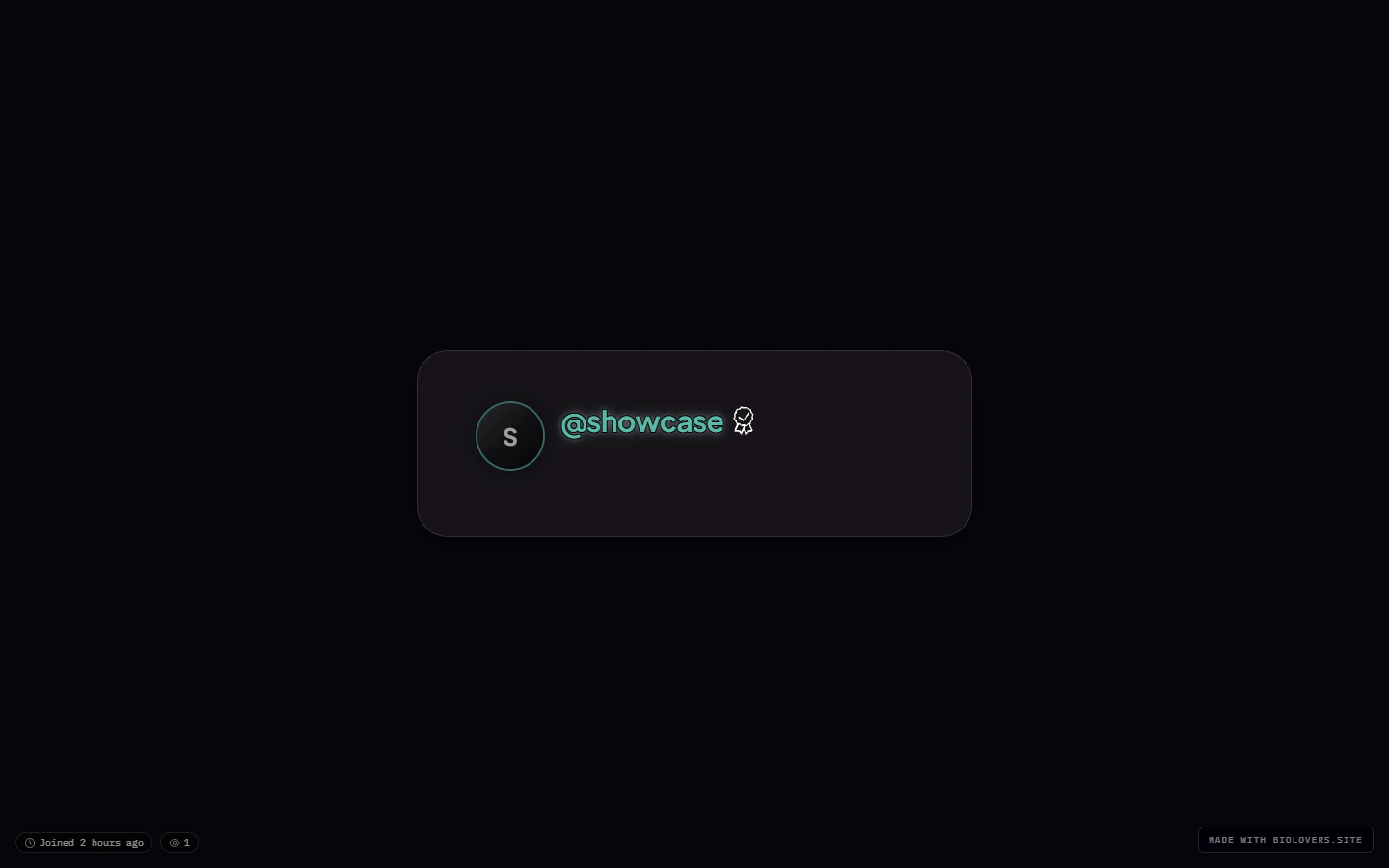
Default — site default placement.
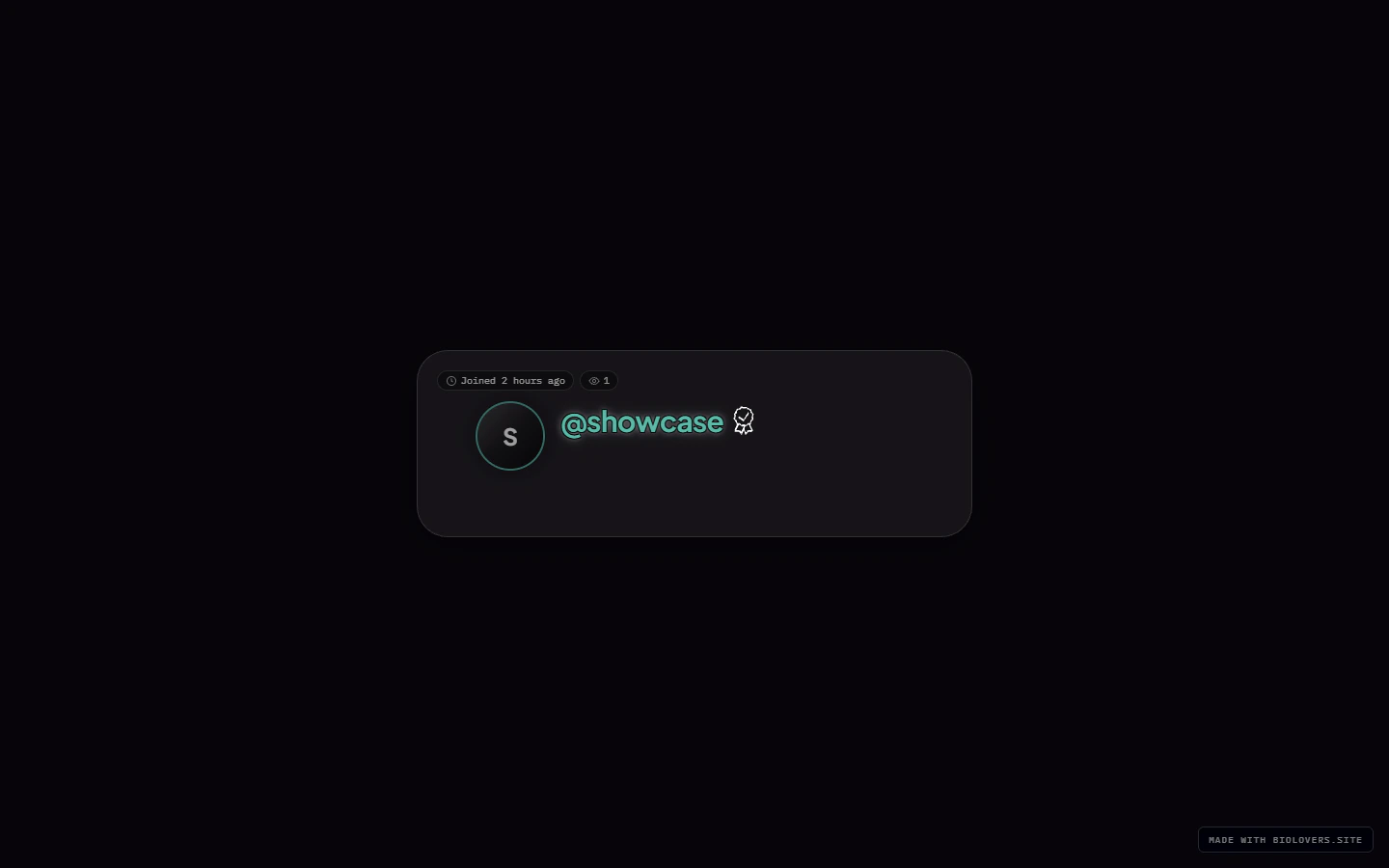
All stats forced into the card top-left corner.
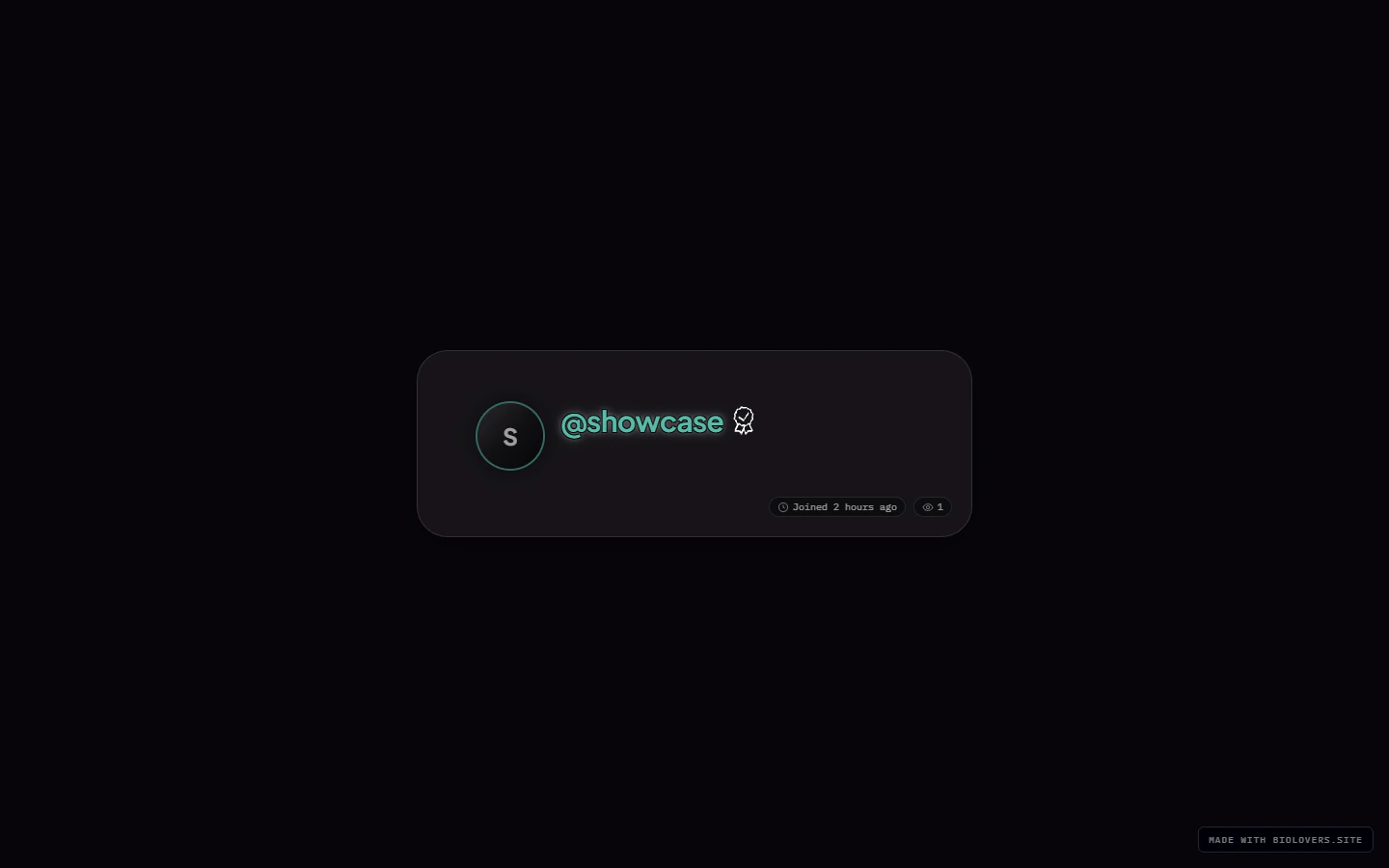
All stats forced into the card bottom-right corner.
Hover tooltip style
Hover any stat icon and a small tooltip appears. Two looks:- Styled — opaque background with the card’s tint.
- Transparent — see-through with a soft blur.
Meta line color (Premium)
A separate color picker lets Premium accounts override the meta-line color independently of the rest of the card.Profile comments (Premium)
The Profile comments section turns the chat-bubble comment button on your public page on or off, and picks which corner it sits in.- Show comments on my profile — shows the chat bubble and lets logged-in visitors post.
- Comment button position — Top left, Top right, Bottom left, or Bottom right. Default is Top right.
Tips
- The stats row gets crowded fast. Three pills usually look best.
- If you turn off all the optional stats and Premium-hide the locked ones, the row disappears entirely.
Common questions
My UID looks weird, is something wrong?
My UID looks weird, is something wrong?
UIDs are just sequential numbers — early accounts have small numbers, newer ones bigger. Nothing personal in there.
Why doesn't 'joined' show the exact date?
Why doesn't 'joined' show the exact date?
By design — visitors only see a relative age (“3 weeks ago”). The full date isn’t exposed.
Can I show a country flag instead of text?
Can I show a country flag instead of text?
Yes — type the country emoji into the Location field. They render as a flag on most devices.
My timezone doesn't show a live clock
My timezone doesn't show a live clock
The timezone field is a free-text label, not a live clock. If you want “current time”, put it in your bio or a markdown widget — the meta pill just shows the label you typed.
Can I drag the stats to reorder them?
Can I drag the stats to reorder them?
Not as a drag list. Pick a position slot per stat from its dropdown — the row renders in slot order.