

Page on the dashboard: dashboard.biolovers.site/dashboard/edit/media/avatar
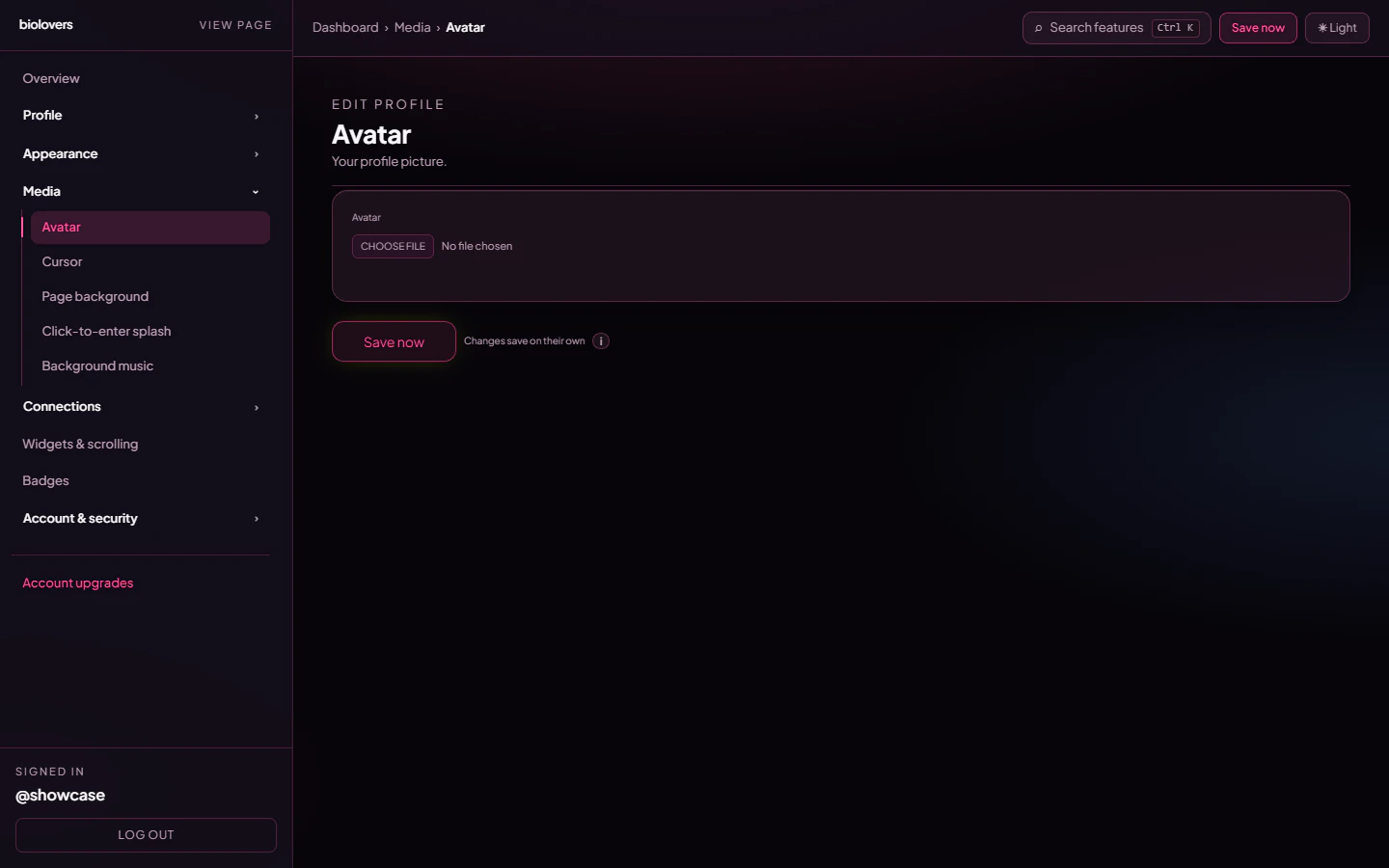
Avatar panel.
Upload
- Tap the file picker and choose an image.
- Formats: JPEG / PNG / WebP / GIF.
- Max 2 MiB (≈ 2 MB).
- The image is auto-cropped to a circle on the public page — square sources work best.
- Animated GIFs play. They’re allowed but big GIFs slow your page down.
Use your Discord profile picture
If your Discord account is linked, the panel shows a Use Discord profile picture instead link that copies your current Discord avatar into the slot.Wrap with my Discord avatar decoration
Below the avatar, when Discord is linked, there’s a checkbox to wrap the avatar with your Nitro avatar decoration — the same animated frame Discord shows around your icon. Off keeps your avatar plain.Remove
Tap Remove under the preview to clear the avatar. Your profile shows the default placeholder until you upload again.Tips
- Aim for at least 256 × 256 px so the image stays sharp on retina screens.
- Heavy filters / dark photos can blend into a dark card — use a Text effect outline on the display name for contrast, or pick a brighter accent.
Common questions
Why is my GIF static?
Why is my GIF static?
Some browsers pause GIFs in low-power mode. Test in a normal Chrome / Firefox window.
My old avatar still shows
My old avatar still shows
Hard-refresh the public page (Ctrl/Cmd+Shift+R). Avatar URLs include a cache-bust token after re-upload, but old tabs may still hold the old version.
Can I have an oval / square avatar?
Can I have an oval / square avatar?
Not directly — the public profile crops avatars to circles. To get a different shape, leave the avatar empty and use a widget with an image.
My upload is rejected as too big
My upload is rejected as too big
Trim the file to under 2 MiB — for static images, exporting as WebP at quality 85 usually shrinks well under the cap.