

Page on the dashboard: dashboard.biolovers.site/login
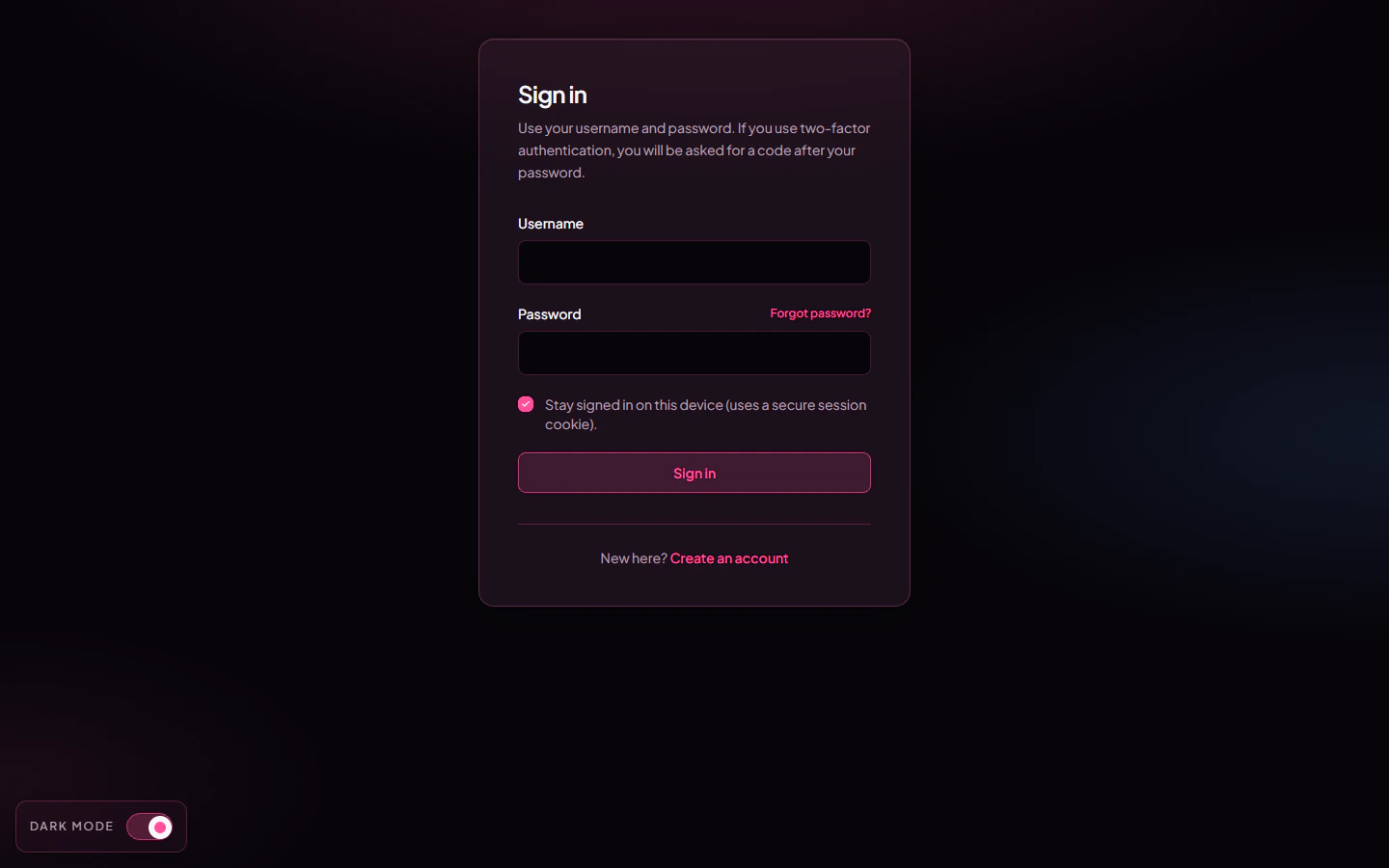
Login form on the dashboard.
What you fill in
Tap Sign in. You land on the dashboard’s edit page (
/edit).
Sign in with Discord or Google
Below the form there are two buttons — Continue with Discord and Continue with Google. One click is all it takes:- If you’ve signed in with that provider here before, you go straight to your dashboard.
- With Google, if the Google email matches an account you already have, it links Google to that account and signs you in.
- If there’s no match, it makes you a brand-new account on the spot — see Make an account.
You don’t need a password to use these. They’re the same buttons on the sign-up page, so one tap either logs you in or creates the account.
I forgot my password
Two paths back in:- Email reset — works if you added and verified an email. See Forgot password. We email you a one-time link that expires in 30 minutes.
- Reach out to us — if you never added an email, see No email and forgot password. You’ll need to prove the account is yours.
I lost my 2FA device
See I lost my 2FA.Why am I getting “too many requests”?
To stop bots from guessing passwords, the dashboard rate-limits sign-in attempts per IP address (24 requests per minute on/api/auth/*). If you triggered it, wait about a minute and try again. The same limit applies to forgot-password and 2FA submissions.
Common questions
Why does it open dashboard.biolovers.site instead of biolovers.site?
Why does it open dashboard.biolovers.site instead of biolovers.site?
Editing happens on a separate dashboard subdomain. The main site (
biolovers.site) is for visitors and the marketing pages. The “Login” link in the top-right of the main site sends you to the dashboard automatically.Can I stay logged in?
Can I stay logged in?
Yes. The session cookie lasts about 90 days by default. If you tap Log out in the dashboard sidebar or clear your cookies, you’ll have to sign in again.
My password is right but it says wrong?
My password is right but it says wrong?
Watch out for accidental spaces, Caps Lock, and your phone autocorrect adding a period. If it really is wrong, use Forgot password.