

Page on the dashboard: dashboard.biolovers.site/dashboard/edit/media/background
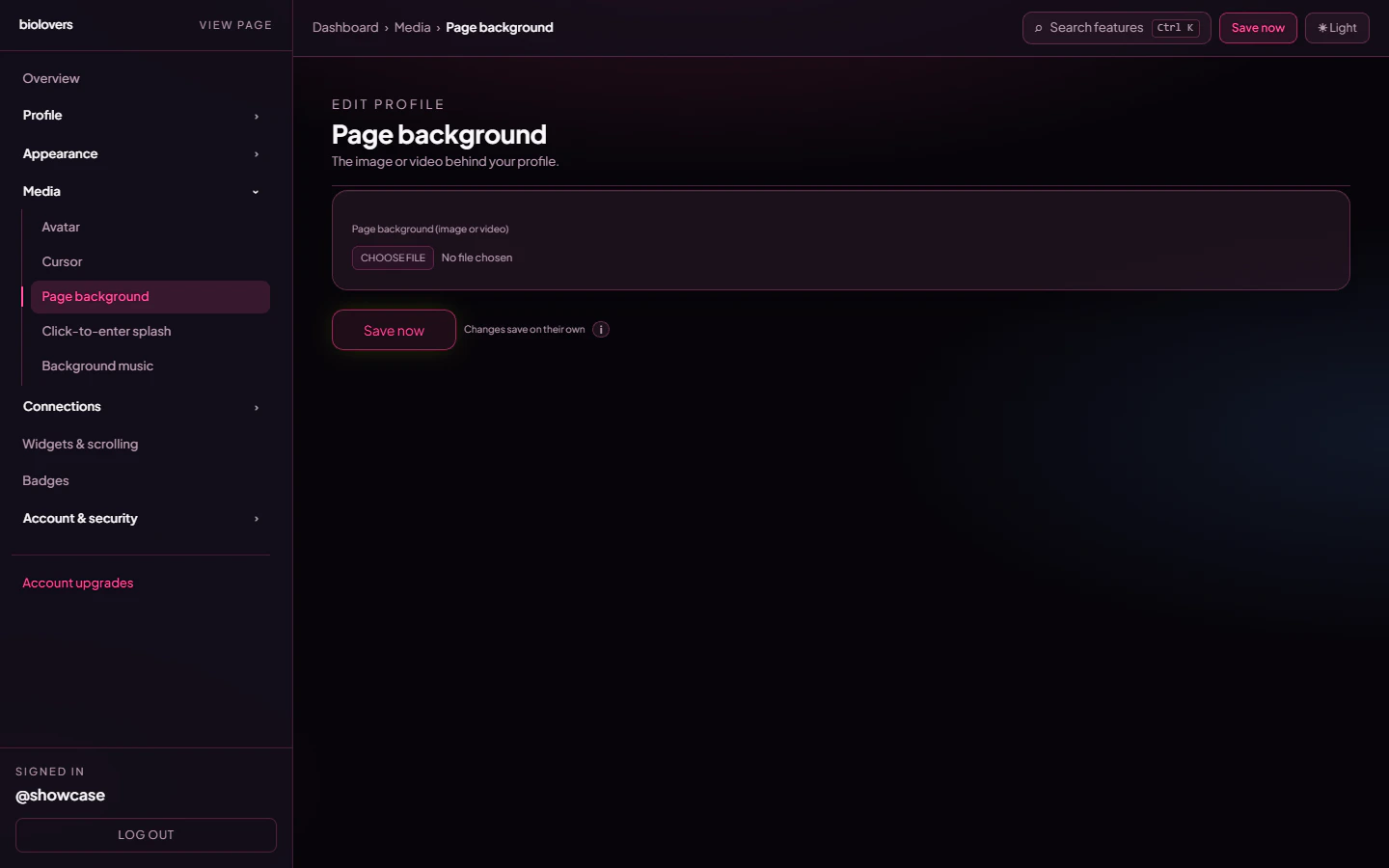
Page background panel.
Upload
Pick one file in the file picker. There is no separate “image / video / colour” mode toggle — the file you upload determines the type. Free accounts that upload a video over 100 MiB get an upgrade hint; Premium raises the soft cap to 350 MiB for splash and page-backdrop video only (portfolio clips and images keep their normal limits).
The image / video is auto-fitted to fully cover the screen (cropped if necessary).
Video specifics
- Plays muted, loops, autoplays.
- Large videos are progressively transcoded to HLS for smoother streaming on slow connections; the original file is kept as a fallback.
- iOS only autoplays muted videos in low-power mode — there’s nothing to toggle on our end.
Remove
Tap Remove under the preview to clear the background. Your profile falls back to the default page colour from your theme.What the panel does not have
The panel is purely upload + preview. None of the following live here:- Solid colour picker (use the accent color if you want a tinted feel — full background colour skinning isn’t a separate control).
- Blur / dim / vignette / position / cover sliders.
- Mobile-fallback image — phones load the same file.
Tips
- Heavy videos slow down first paint. If your audience is mostly on phones, prefer a static image under 1 MiB.
- For text legibility, switch the Card panel to Solid or use a Text effect Outline / Soft shadow on the bio.
Common questions
My video looks blurry
My video looks blurry
The HLS transcode auto-picks bitrate based on the visitor’s connection. Upload a higher-resolution source if your video looks soft on fast connections.
Can I have a different background per scroll page?
Can I have a different background per scroll page?
Not yet — backgrounds are per profile. Scroll pages share the same backdrop.
The background doesn't autoplay on iPhone
The background doesn't autoplay on iPhone
iOS only autoplays muted videos. We already enforce muted, but Low Power Mode on the visitor’s device can still block it — that’s a system setting we can’t override.
Can I dim the background to make text readable?
Can I dim the background to make text readable?
Not directly. Use a card panel of Solid or apply an outline / soft-shadow text effect for contrast.
My video is too big to upload
My video is too big to upload
Free accounts cap splash / backdrop video at 100 MiB. Premium raises that to 350 MiB — see What Premium unlocks. Or re-encode to a smaller bitrate / shorter loop.