

Page on the dashboard: dashboard.biolovers.site/forgot-password
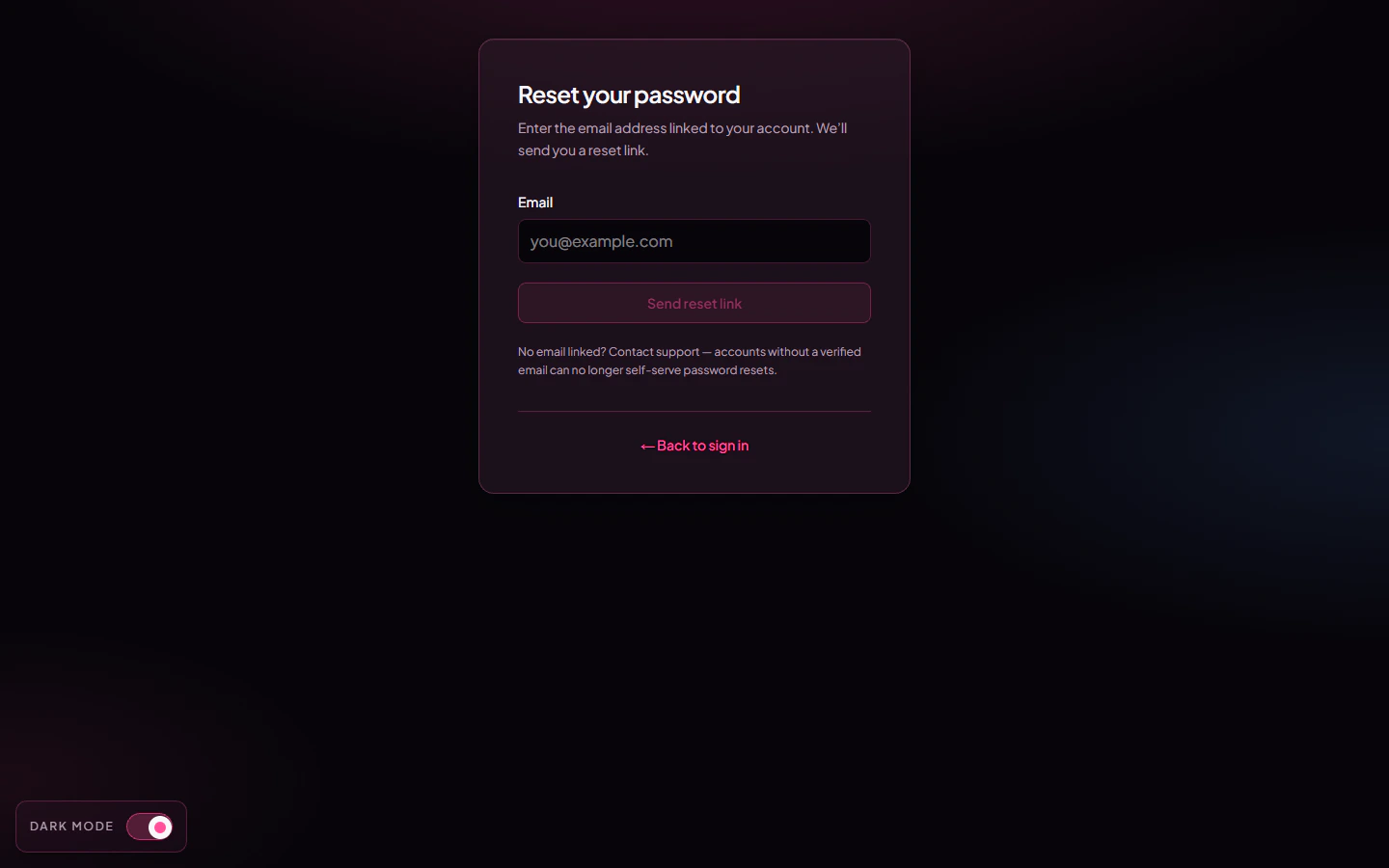
Forgot password page.
Email reset
Works only if you added an email and confirmed it with the 6-digit code we sent you.- Open the Forgot password page.
- Type the email address you linked to the account.
- Tap Send reset link.
- Open the email and tap the link inside. Links expire in 30 minutes, so don’t sit on it.
- Pick a new password and tap Update password. You’re signed in immediately afterwards.
No email on the account
If you never added an email, the email reset can’t work. Your only path is to reach out to us through the contact form or Discord — and only if you can prove ownership. See No email and forgot password for what to send.Common questions
Can I reset by Discord?
Can I reset by Discord?
Not directly. Linking Discord helps us verify it’s really you, but the reset itself goes through email — or, failing that, a manual review via the contact form.
My reset link says expired
My reset link says expired
Reset links live for 30 minutes on purpose. Just request a new one.
Why do I need a new password — can't you just send me the old one?
Why do I need a new password — can't you just send me the old one?
We never store your password. Only a one-way hash of it. So we can’t show it to you, only let you set a new one.
Does an email reset turn off 2FA?
Does an email reset turn off 2FA?
No. The reset only changes your password. If you also lost your 2FA device, see I lost my 2FA.
Related
Email panel
Add or change the email on your account.
No email + forgot password
The support path when reset isn’t possible.