

Page on the dashboard: change-password lives inside the Account group, in the same section as Sign-in settings (
Change password heading, anchor panel-account-signin).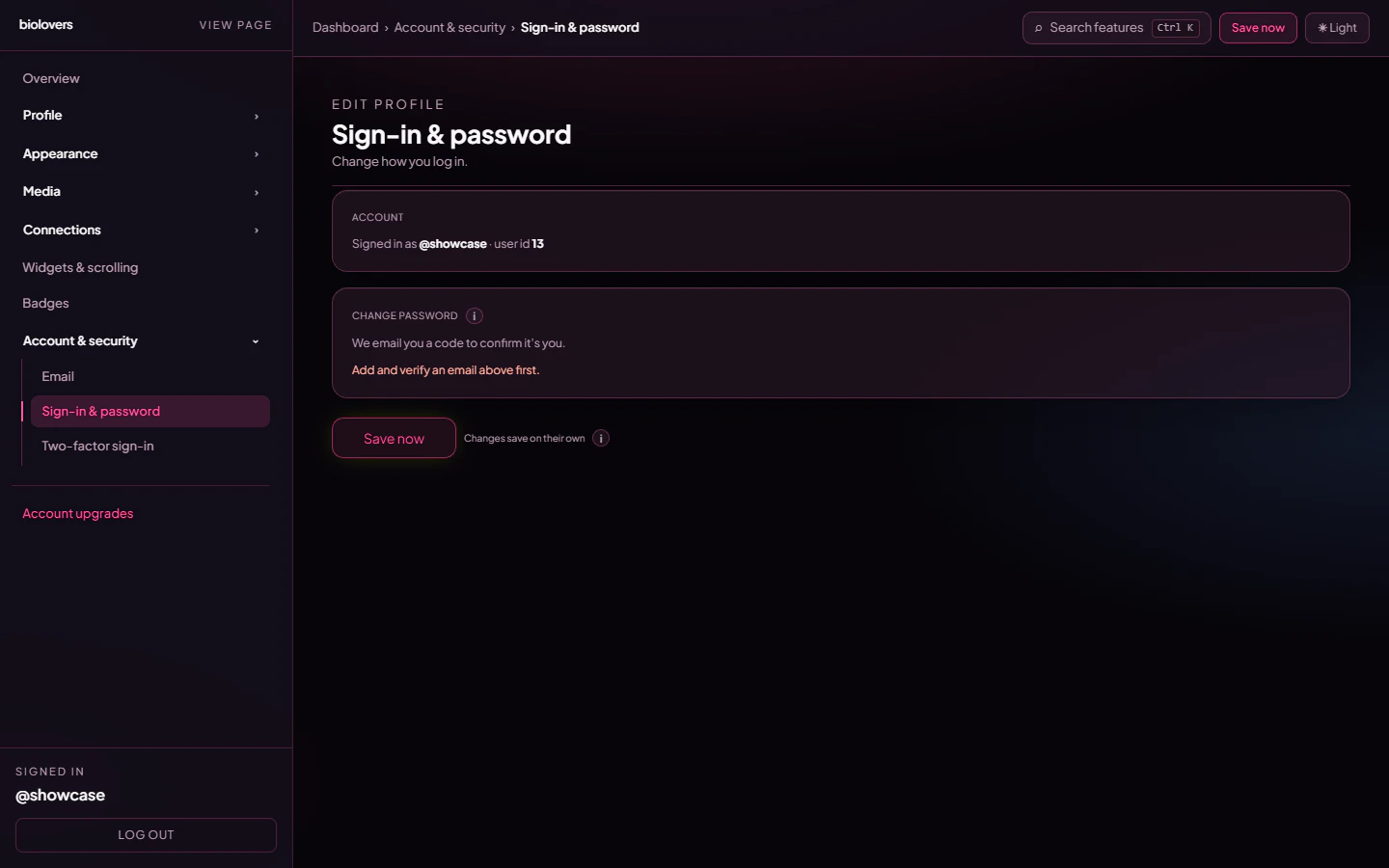
Password panel.
How it works
The dashboard does not ask for your current password. Instead it emails a 6-digit confirmation code to your verified email before letting you set a new one.- Tap Send code to email. We send a 6-digit code to the verified email on your account.
- Open your inbox, copy the code, paste it into the panel.
- Type a new password (twice).
- Tap Update password.
Rules
- At least 8 characters.
- Any printable character is fine — letters, numbers, symbols, emoji.
- Use a long passphrase or a password manager. Short pet-name passwords are everyone’s first guess.
Lost both your password and email
See No email and forgot password. Short version: reach out via Discord or our contact form, and only with proof of ownership.Common questions
Why doesn't it ask for my current password?
Why doesn't it ask for my current password?
Possession of the verified email proves the account is yours, so the dashboard skips the “type your old password” step. If your email is ever compromised separately, change it from the Email panel before the next password change.
Can I see the password I currently have?
Can I see the password I currently have?
No. We only store a one-way hash. Even our database has no idea what your password actually is.
What's a 'good' password?
What's a 'good' password?
A 4-word random phrase like
prefer-dolphin-banner-7 is way better than MyName123!. Even better: a 16+ character random string from a password manager.Will I get logged out everywhere?
Will I get logged out everywhere?
Not currently — changing the password keeps existing sessions valid. New sign-ins from now on need the new password.