

Page on the dashboard: dashboard.biolovers.site/dashboard/edit/referrals
biolovers.site/ref/yourname (using your username). When friends click it and create an account, you get +1 invite. When one of those friends later buys Premium, you get another +5 invite points on top.
Hit the right thresholds and we unlock badges, free Premium, or a free custom badge slot for you automatically.
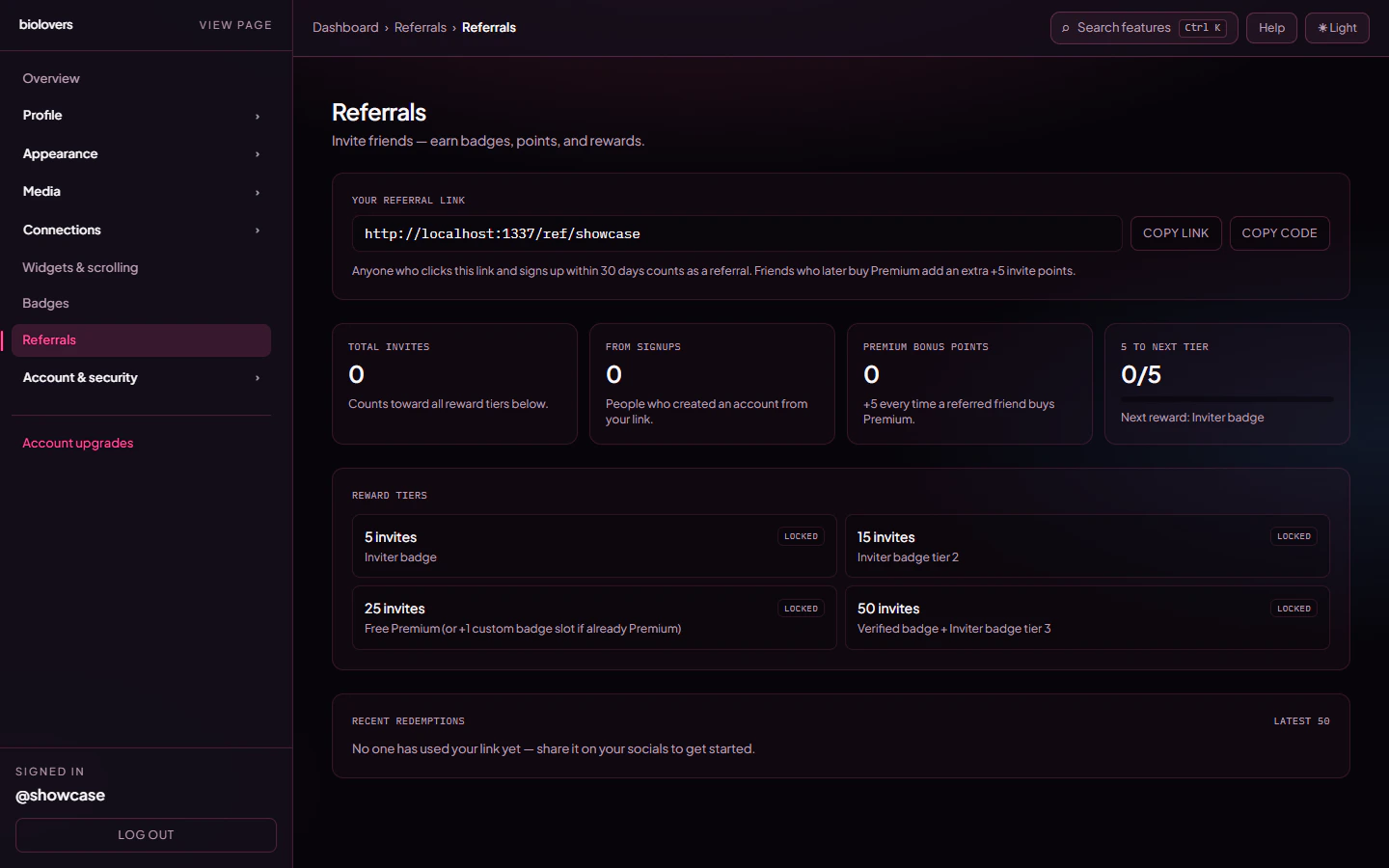
The Referrals panel — your link, lifetime stats, the reward ladder, and a table of recent redemptions.
Your link
The first card on the panel shows your link and your username code. Both buttons copy to your clipboard.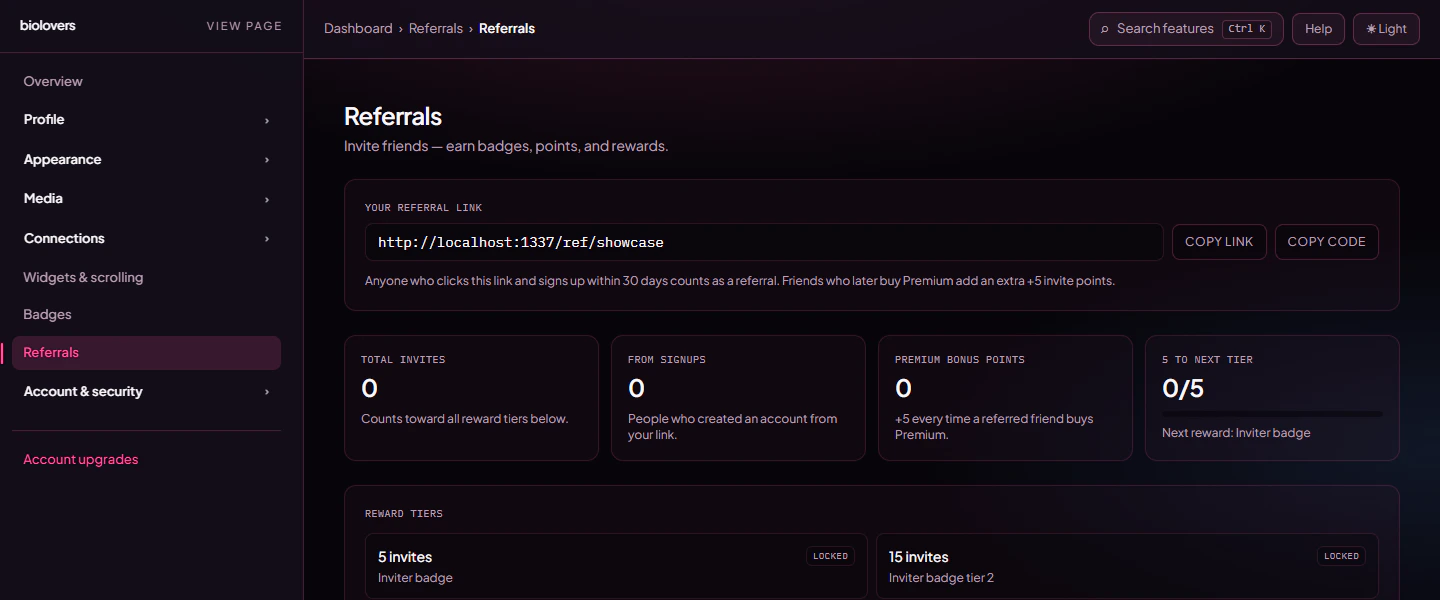
Your referral link and live stat cards.
- Link – e.g.
https://biolovers.site/ref/showcase. Drop this into your bio, a tweet, a Discord post. - Code – just the username at the end (
showcase). Useful when you want to say “use code SHOWCASE on signup” instead of pasting a URL. - The cookie that ties the click to your account is good for 30 days. If a friend clicks today and signs up next week, you still get credit.
What counts as a referral
The “Total invites” stat at the top combines both signups and the +5 premium bonuses, and that combined number is what the reward ladder checks against.
Reward tiers
Hit any of these and the reward unlocks the moment the qualifying signup or premium purchase lands.
The reward ladder. Reached tiers light up green.
The Inviter badges are part of a tiered badge family — only the highest one shows by default, but you can pop open the family modal in the Badges panel and choose to display all three at once.
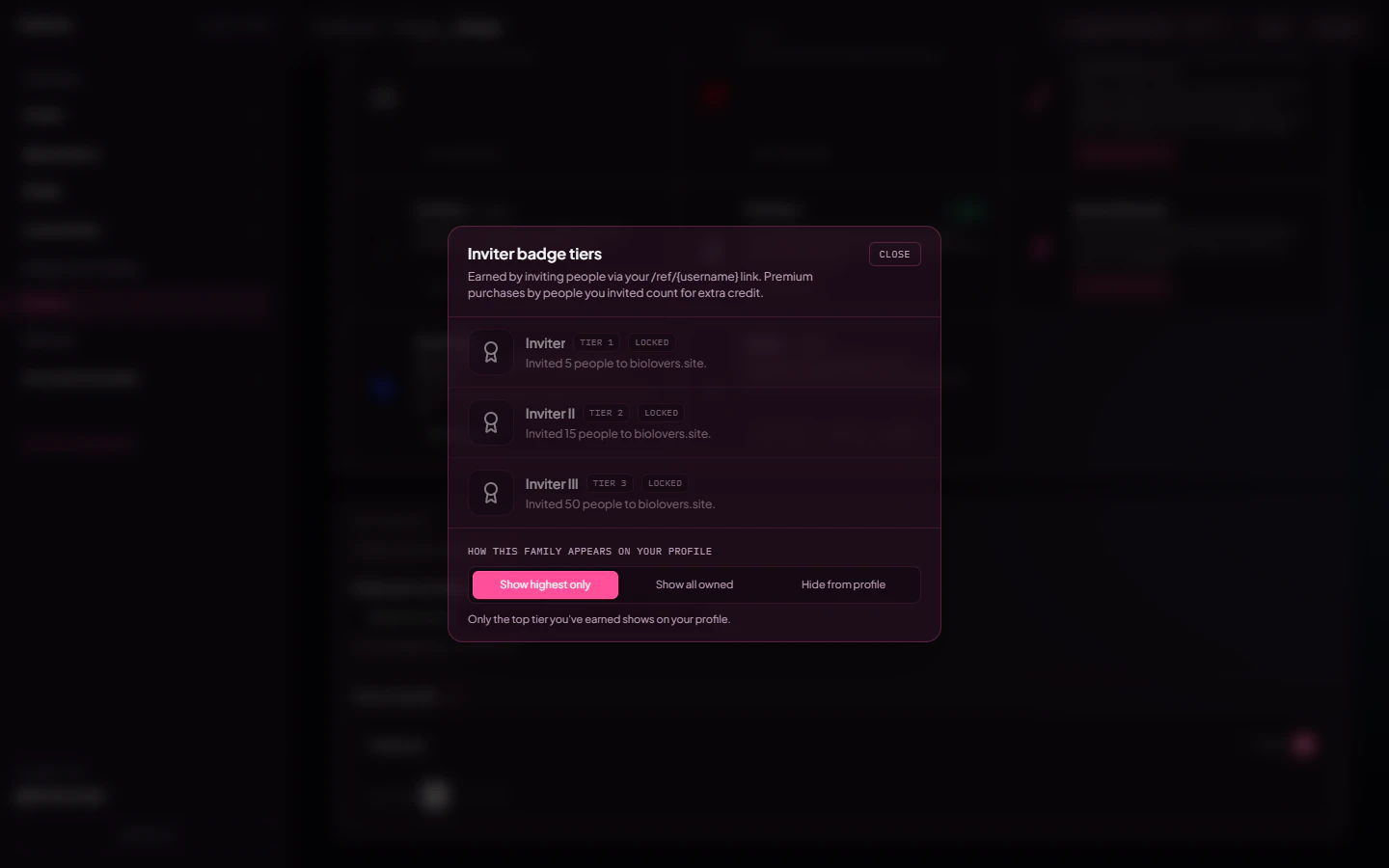
Inviter family modal. Owned tiers are highlighted; locked ones show how they unlock.
Recent redemptions
The bottom section shows the latest 50 people who used your link. Each row tells you whether the redemption gave you signup credit, whether it has earned the Premium bonus yet, and when it happened.
Recent redemptions table.
Common questions
A friend signed up with my link but I don't see them in the table
A friend signed up with my link but I don't see them in the table
Refresh the panel — the table updates as soon as their account is created. If you still don’t see them, they may have signed up before clicking your link (the cookie only sticks if the click happens before the account is created).
Can I redeem my own link to bump my own count?
Can I redeem my own link to bump my own count?
No. The link refuses to count anything when it is opened from the same account, and we also block clicks that look like they came from your own network — opening your link from your phone on home Wi-Fi while logged in as the inviter won’t credit you.
I already redeemed someone else's link. Can I switch?
I already redeemed someone else's link. Can I switch?
Each account can only redeem one referral code, ever, and it’s permanent. Visiting another inviter’s link will show a “you’ve already redeemed @other” warning instead of switching the attribution.
Can I disable my referral link?
Can I disable my referral link?
There’s no off switch — every account has one — but you simply don’t have to share it. The link won’t accidentally credit anyone unless someone actually clicks it and signs up.
Something looks wrong with my count
Something looks wrong with my count
Open a ticket in our Discord or use our contact form and we’ll look at the redemption log.
Related
Earned badges
The Inviter, Verified, Donator, and other tiered badges your link unlocks.
Custom badges
The 25-invite reward gives you a free custom slot if you already have Premium.