> ## Documentation Index
> Fetch the complete documentation index at: https://help.biolovers.site/llms.txt
> Use this file to discover all available pages before exploring further.
# Avatar (profile picture)
> The round picture at the top of your card. PNG, JPEG, WebP or GIF, max 2 MiB.
Page on the dashboard: dashboard.biolovers.site/dashboard/edit/media/avatar
The round picture at the top of your card.
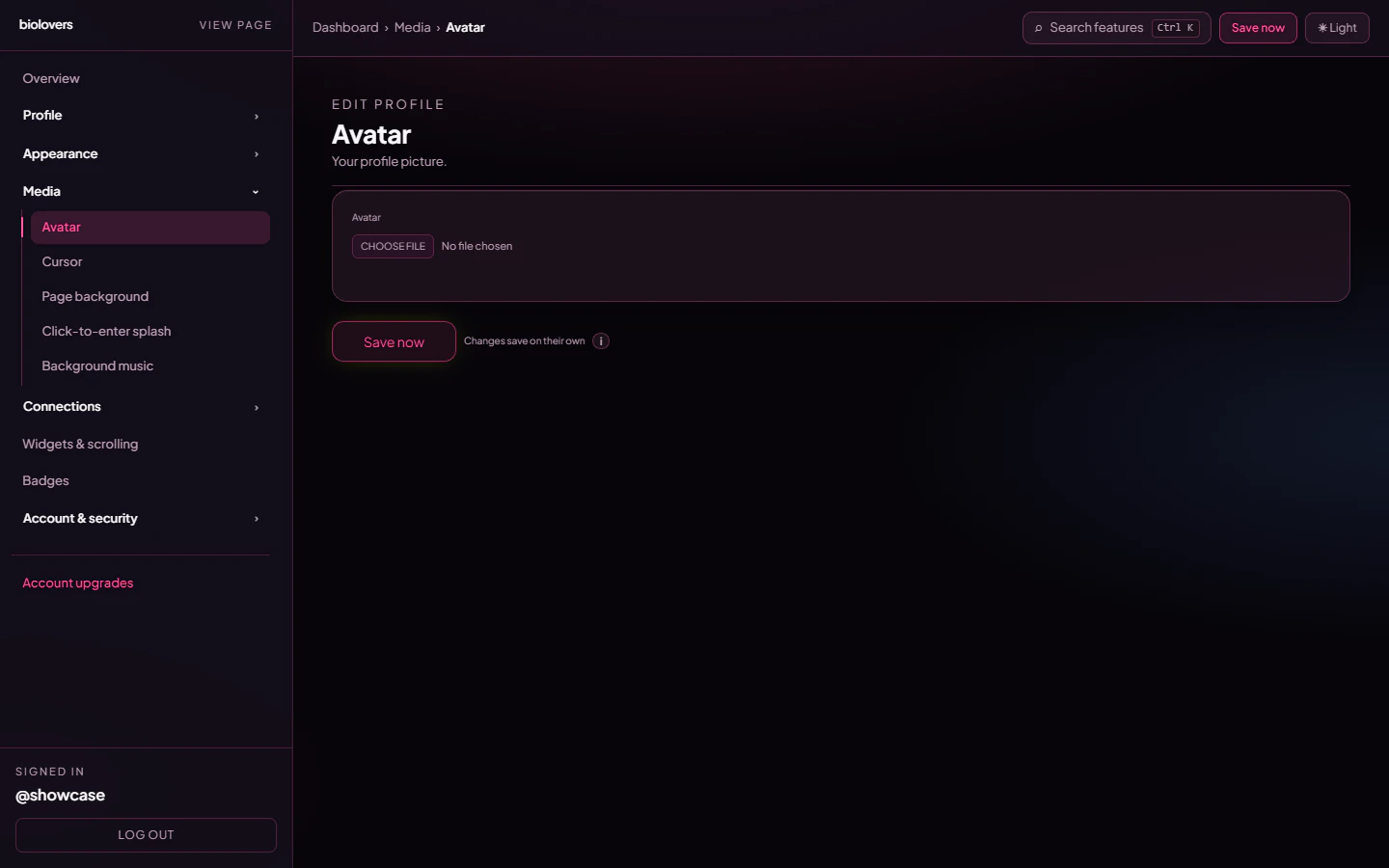 ## Upload
* Tap the file picker and choose an image.
* Formats: **JPEG / PNG / WebP / GIF**.
* Max **2 MiB** (≈ 2 MB).
* The image is auto-cropped to a circle on the public page — square sources work best.
* Animated GIFs play. They're allowed but big GIFs slow your page down.
The current image previews next to the picker once it's uploaded.
## Use your Discord profile picture
If your Discord account is linked, the panel shows a **Use Discord profile picture instead** link that copies your current Discord avatar into the slot.
## Wrap with my Discord avatar decoration
Below the avatar, when Discord is linked, there's a checkbox to **wrap the avatar with your Nitro avatar decoration** — the same animated frame Discord shows around your icon. Off keeps your avatar plain.
## Remove
Tap **Remove** under the preview to clear the avatar. Your profile shows the default placeholder until you upload again.
## Tips
* Aim for **at least 256 × 256 px** so the image stays sharp on retina screens.
* Heavy filters / dark photos can blend into a dark card — use a [Text effect](/appearance/text-effects) outline on the display name for contrast, or pick a brighter accent.
## Common questions
Some browsers pause GIFs in low-power mode. Test in a normal Chrome / Firefox window.
Hard-refresh the public page (Ctrl/Cmd+Shift+R). Avatar URLs include a cache-bust token after re-upload, but old tabs may still hold the old version.
Not directly — the public profile crops avatars to circles. To get a different shape, leave the avatar empty and use a [widget](/widgets/overview) with an image.
Trim the file to under 2 MiB — for static images, exporting as WebP at quality 85 usually shrinks well under the cap.
## Upload
* Tap the file picker and choose an image.
* Formats: **JPEG / PNG / WebP / GIF**.
* Max **2 MiB** (≈ 2 MB).
* The image is auto-cropped to a circle on the public page — square sources work best.
* Animated GIFs play. They're allowed but big GIFs slow your page down.
The current image previews next to the picker once it's uploaded.
## Use your Discord profile picture
If your Discord account is linked, the panel shows a **Use Discord profile picture instead** link that copies your current Discord avatar into the slot.
## Wrap with my Discord avatar decoration
Below the avatar, when Discord is linked, there's a checkbox to **wrap the avatar with your Nitro avatar decoration** — the same animated frame Discord shows around your icon. Off keeps your avatar plain.
## Remove
Tap **Remove** under the preview to clear the avatar. Your profile shows the default placeholder until you upload again.
## Tips
* Aim for **at least 256 × 256 px** so the image stays sharp on retina screens.
* Heavy filters / dark photos can blend into a dark card — use a [Text effect](/appearance/text-effects) outline on the display name for contrast, or pick a brighter accent.
## Common questions
Some browsers pause GIFs in low-power mode. Test in a normal Chrome / Firefox window.
Hard-refresh the public page (Ctrl/Cmd+Shift+R). Avatar URLs include a cache-bust token after re-upload, but old tabs may still hold the old version.
Not directly — the public profile crops avatars to circles. To get a different shape, leave the avatar empty and use a [widget](/widgets/overview) with an image.
Trim the file to under 2 MiB — for static images, exporting as WebP at quality 85 usually shrinks well under the cap.