> ## Documentation Index
> Fetch the complete documentation index at: https://help.biolovers.site/llms.txt
> Use this file to discover all available pages before exploring further.
# Custom badges
> Buy slots and upload your own badge images. Appear next to earned badges on your card. PNG / JPEG / WebP / GIF up to 2 MiB; per-badge display scale 50–300%.
Buy slots: biolovers.site/custom-badges
Manage your badges: dashboard.biolovers.site/dashboard/edit/badges
Custom badges are **your own badge designs** that show on your profile next to the earned ones. You buy slots, upload an image per slot, and they appear immediately.
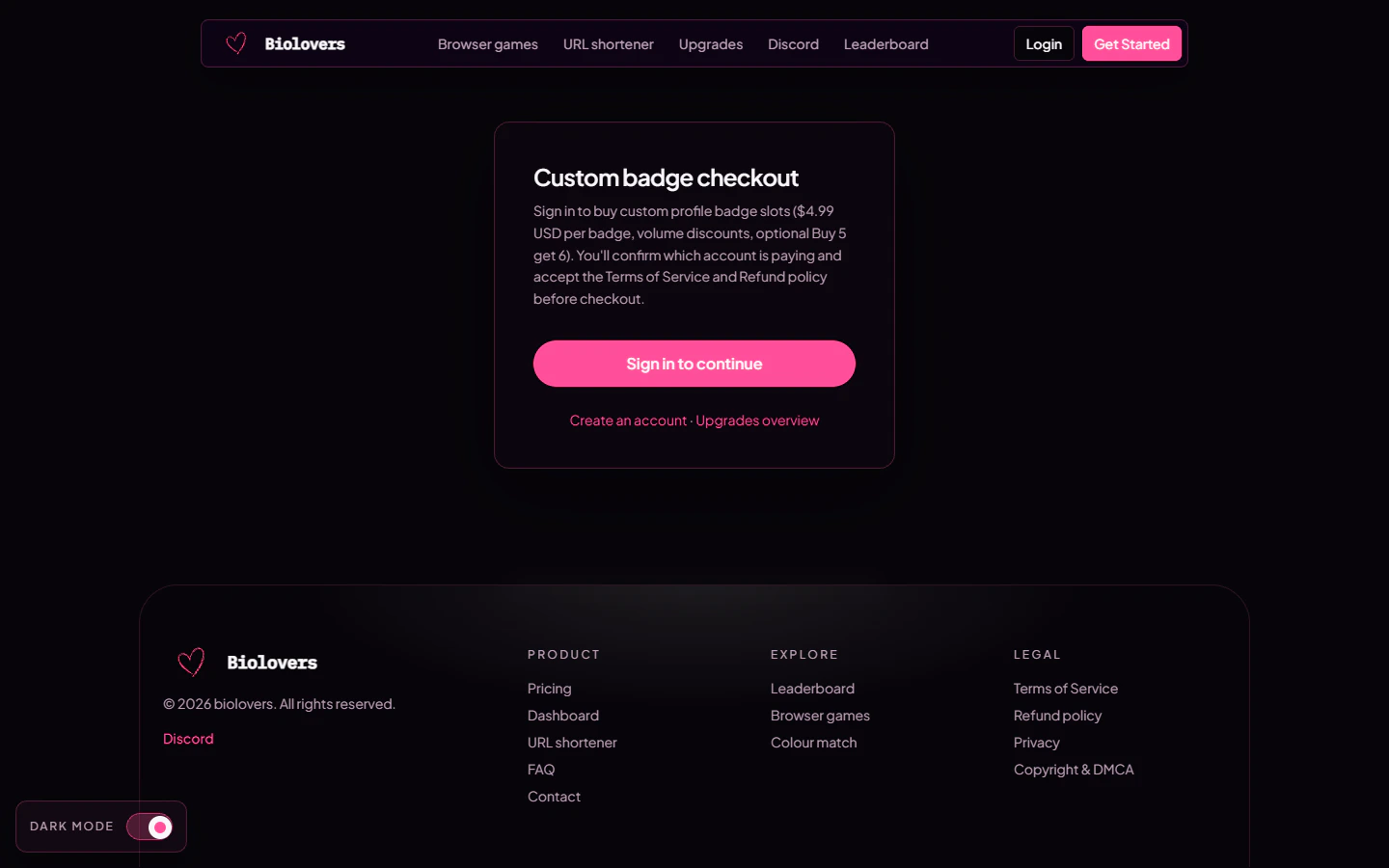 ## Buying slots
* **Unit price:** `$4.99` per slot.
* **Volume discount:** +5% per extra slot, capped at 20% (so 5+ slots = 20% off).
* **5-for-6 bundle:** pay for 5 slots (at the 20% volume discount = \$19.96), receive **6 slots**.
Pay by card (Stripe) or crypto (NOWPayments). Slots are added to your account the moment payment confirms.
Full pricing breakdown lives on [Buying custom badges](/premium/custom-badges).
## Designing the badge
Each badge has these editable fields in the dashboard:
| Field | Notes |
| --------------------------------- | --------------------------------------------------------------------------------------------------------------------------------------------------------- |
| **Image** | PNG / JPEG / WebP / GIF. **Max 2 MiB** (the same cap as avatars). Animated GIFs play. The badge renders roughly 24 × 24 px so large images get downsized. |
| **Name** *(label)* | Up to 40 chars. Used internally and in tooltips for screen-readers. |
| **Hover message** *(hoverText)* | Up to **20 chars**, optional — what visitors see in the tooltip. |
| **Display size** *(sizeScalePct)* | 50–300% of the default size. Useful for a chunky logo or a tiny icon. Stored as `sizeScalePct` and applied as CSS `zoom`. |
There is **no separate label / hover-text split** beyond those two fields — the schema doesn't accept tags, categories, or per-badge themes.
## Reorder
Drag rows in the editor. Top of the list = leftmost on the public page, after the earned ones.
## Tips
* **Transparent background** PNG is the cleanest look on dark and light themes.
* High-contrast designs read best at 24 × 24. Anything with fine details disappears at that size.
* For a pixel-art badge, design at 24 × 24 and leave the size at 100%.
## Common questions
Refresh the dashboard and check the **Custom badges** panel — slots usually appear within seconds. If not, your payment may still be confirming. Crypto payments can take 5–30 minutes depending on the coin.
Yes — animated GIFs play in the badge slot. Keep the file small for sane page weight (under \~200 KB ideal).
No hard cap on slots themselves. Visually, more than \~5–8 badges starts to crowd your name.
Unused slots are refundable case-by-case while still unused. Once a slot has been spent on a badge (or one is being created), it's considered delivered. See [Refunds](/premium/refunds).
Yes — they show on every domain your profile is served on (biolovers.site and the Premium alt domains).
The cap is 2 MiB (`PROFILE_UPLOAD_AVATAR_MAX_BYTES`). Compress the file or pick a smaller resolution.
## Buying slots
* **Unit price:** `$4.99` per slot.
* **Volume discount:** +5% per extra slot, capped at 20% (so 5+ slots = 20% off).
* **5-for-6 bundle:** pay for 5 slots (at the 20% volume discount = \$19.96), receive **6 slots**.
Pay by card (Stripe) or crypto (NOWPayments). Slots are added to your account the moment payment confirms.
Full pricing breakdown lives on [Buying custom badges](/premium/custom-badges).
## Designing the badge
Each badge has these editable fields in the dashboard:
| Field | Notes |
| --------------------------------- | --------------------------------------------------------------------------------------------------------------------------------------------------------- |
| **Image** | PNG / JPEG / WebP / GIF. **Max 2 MiB** (the same cap as avatars). Animated GIFs play. The badge renders roughly 24 × 24 px so large images get downsized. |
| **Name** *(label)* | Up to 40 chars. Used internally and in tooltips for screen-readers. |
| **Hover message** *(hoverText)* | Up to **20 chars**, optional — what visitors see in the tooltip. |
| **Display size** *(sizeScalePct)* | 50–300% of the default size. Useful for a chunky logo or a tiny icon. Stored as `sizeScalePct` and applied as CSS `zoom`. |
There is **no separate label / hover-text split** beyond those two fields — the schema doesn't accept tags, categories, or per-badge themes.
## Reorder
Drag rows in the editor. Top of the list = leftmost on the public page, after the earned ones.
## Tips
* **Transparent background** PNG is the cleanest look on dark and light themes.
* High-contrast designs read best at 24 × 24. Anything with fine details disappears at that size.
* For a pixel-art badge, design at 24 × 24 and leave the size at 100%.
## Common questions
Refresh the dashboard and check the **Custom badges** panel — slots usually appear within seconds. If not, your payment may still be confirming. Crypto payments can take 5–30 minutes depending on the coin.
Yes — animated GIFs play in the badge slot. Keep the file small for sane page weight (under \~200 KB ideal).
No hard cap on slots themselves. Visually, more than \~5–8 badges starts to crowd your name.
Unused slots are refundable case-by-case while still unused. Once a slot has been spent on a badge (or one is being created), it's considered delivered. See [Refunds](/premium/refunds).
Yes — they show on every domain your profile is served on (biolovers.site and the Premium alt domains).
The cap is 2 MiB (`PROFILE_UPLOAD_AVATAR_MAX_BYTES`). Compress the file or pick a smaller resolution.